Diagrams and charts,
drawn with AI.
Describe what you need — a process, a system, a set of numbers — and COTID lays it out for you. Arrange it on a canvas, or let the AI build the whole thing from a sentence. The picture lives right next to your writing, inside your project.
Describe it. The AI draws it.
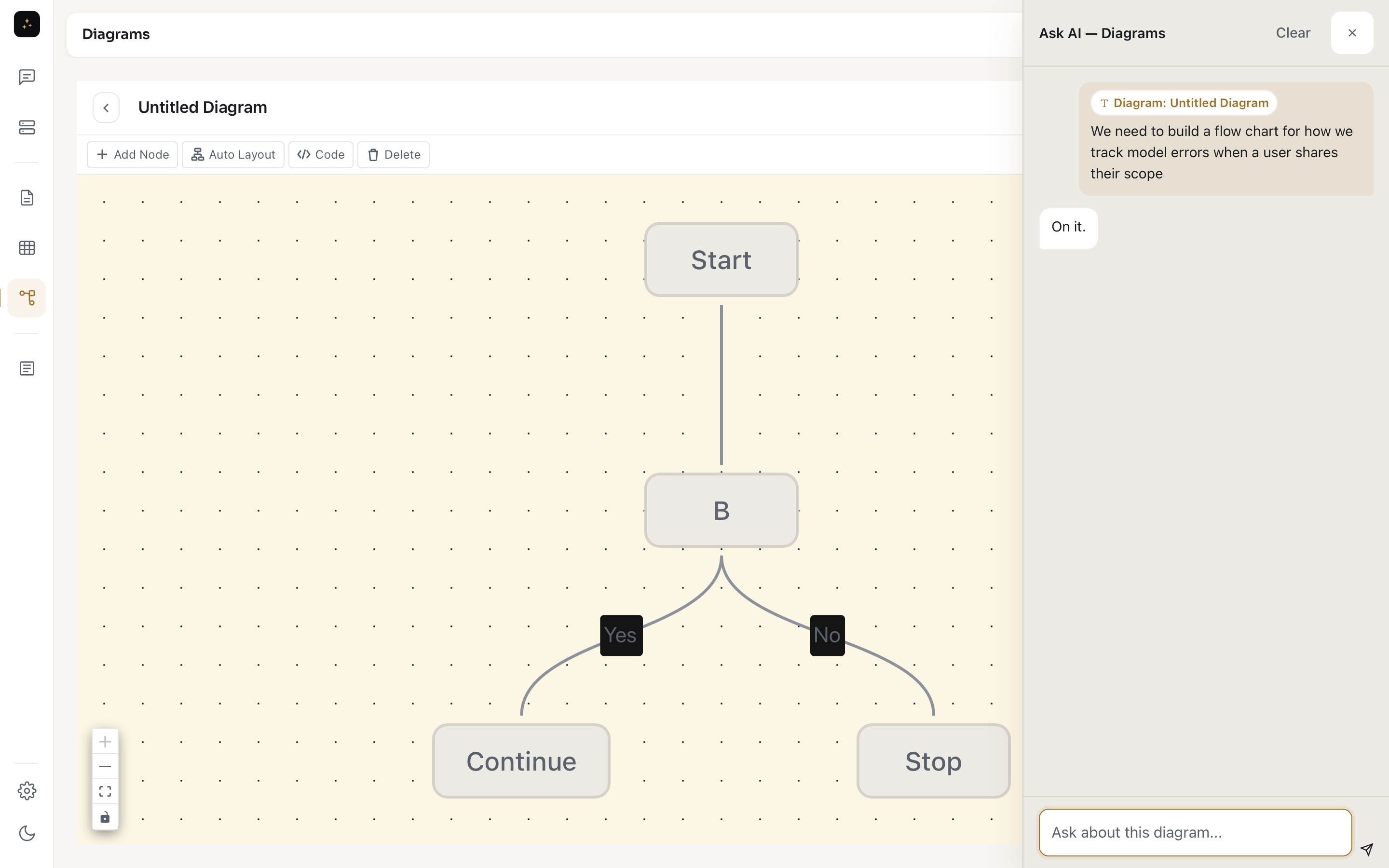
Tell COTID what the flow or the chart should show and it returns the full structure — the steps and branches, or the data itself — already arranged. Charts can pull their values straight from one of your tables, so the numbers are never retyped by hand.
Flowcharts and data charts.
COTID keeps two diagram types side by side, both shaped the same visual way.
Flowcharts
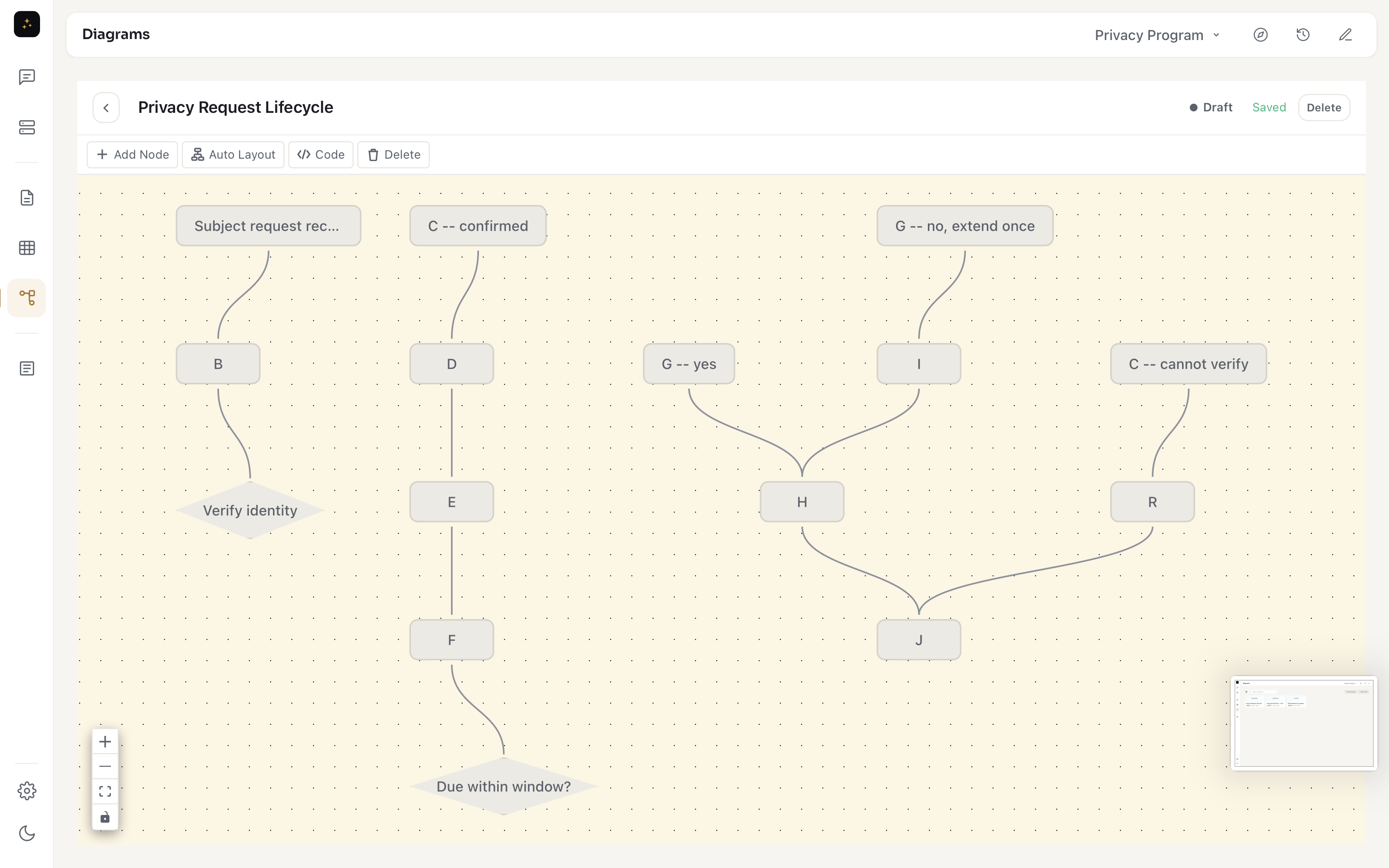
Process flows, system diagrams, and decision maps — the nodes and the paths between them, arranged by the AI and ready for you to nudge.
Data charts
Bar, line, pie, area, and scatter charts. The data sits in an editable grid, so switching chart types never means re-entering your numbers.
From your tables
Ask the AI to chart a spreadsheet and it builds the chart from your columns — pick the table and the axes, and the values map themselves.
A canvas you can rearrange.
Work on the picture directly: add a node, draw a connection, double-click to rename, drag things into place, and hit auto-layout to tidy the whole thing. The canvas is where the diagram takes shape — no scripting, no markup to learn.
Drop a diagram into the writing.
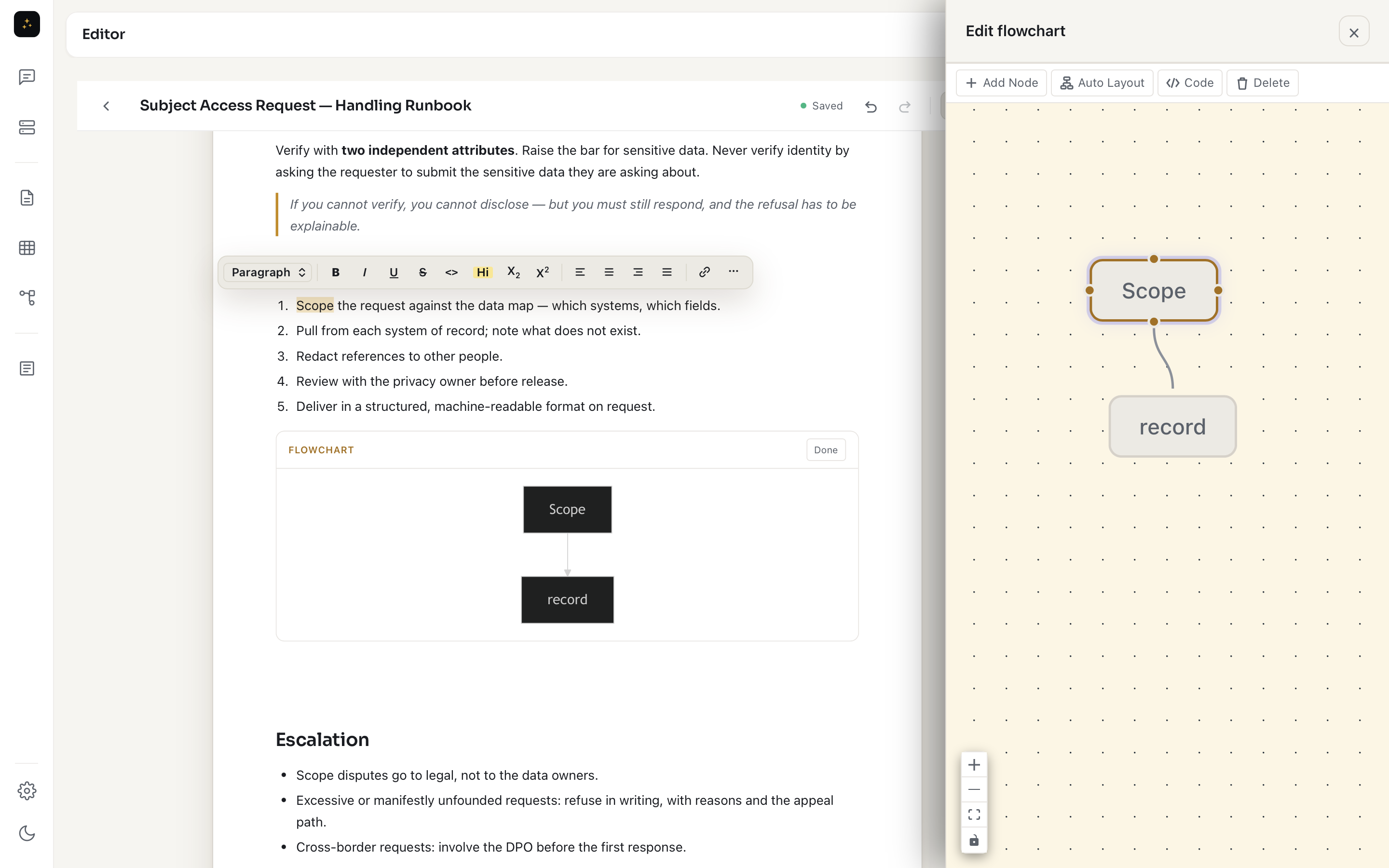
A diagram isn't stranded on its own page. Insert a flowchart or chart straight into a document and it renders inline as a live, editable block — through the editor's insert menu, or just by asking the AI to "add this flow to the doc." The figure sits next to the prose it explains, so the explanation and the picture move together.
Part of the workspace, not a separate file.
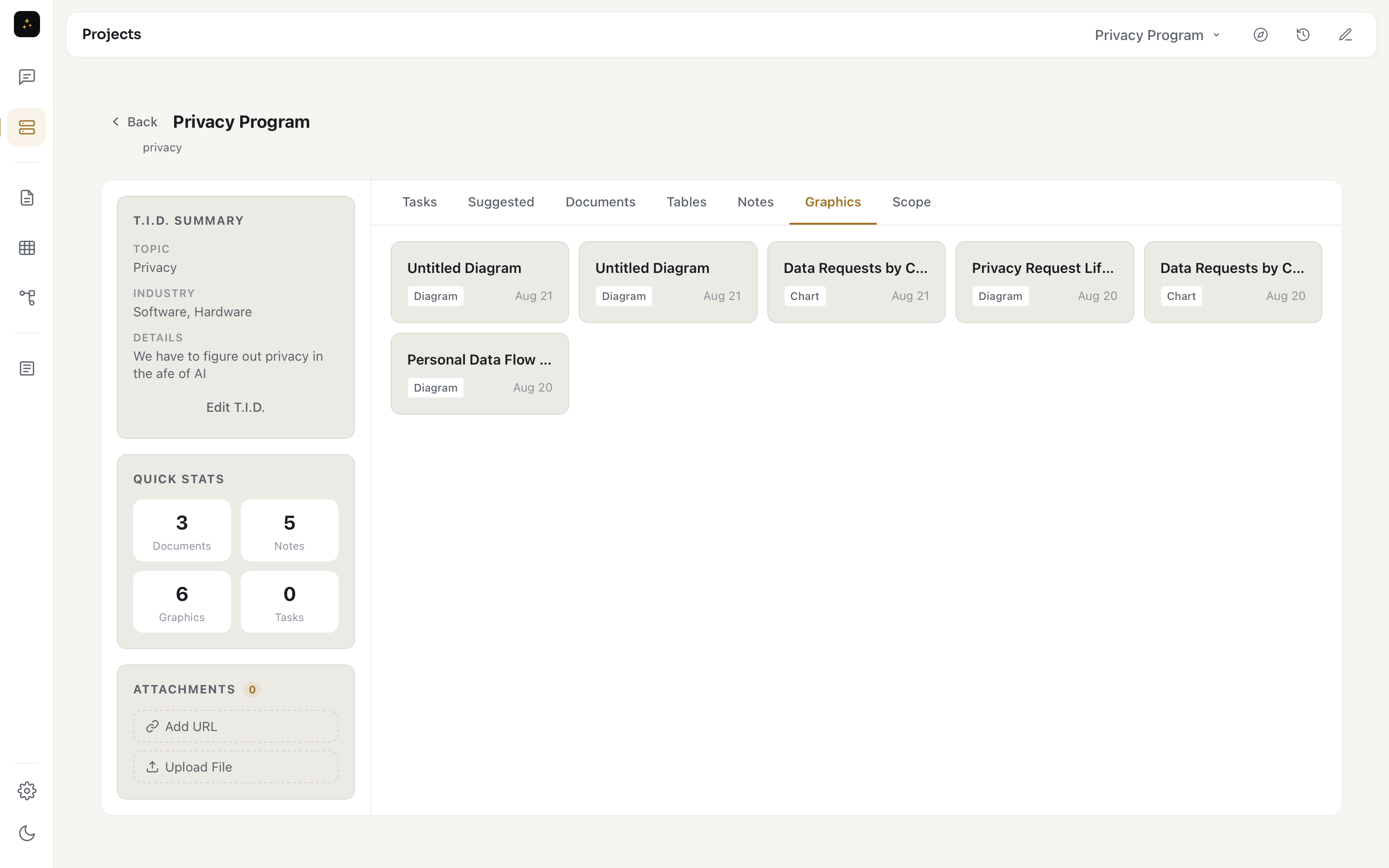
Diagrams and charts are saved inside the project you're working in, right alongside its documents, tables, and notes. No exporting, no copy-paste between apps — when you're mapping a rollout or a data story, the picture lives with the rest of the work and is organized the same way.
Diagrams that explain the work, not just decorate it.
Free for 14 days. Every feature. Billed only after your trial.
Download Free Trial